Tasks
Every task connects project, client and time tracking. Use AI to turn them into a daily plan.
Win clients, plan projects, track time and create invoices. In one app for independent professionals.
In your browser or as an app on your Mac.
Tap to explore. Your selection pauses the rotation. Press Esc to reset the preview.
Your workday. All connected.
Plan tasks and appointments, watch your budget and bill your work. Everything works together.
Every task connects project, client and time tracking. Use AI to turn them into a daily plan.
Start the timer from a task. Then describe what you did and let Klausi write it down.
Hours, costs, receipts and project knowledge in one place. See what’s been used and what remains.
See income and expenses together. Assign receipts, follow invoices and check your annual forecast.
Add tracked time and client data to an invoice. Export PDF, XRechnung or ZUGFeRD.
Share your booking page. Clients choose an available time and book directly.
Photograph a receipt. AI reads the date, amount and merchant. Review the details and assign it to a project.
Get a daily plan based on open tasks, appointments and priorities. You choose what to use.
Keep contracts, briefs and mood boards in the right place. Link files to their project and client.
Ask the right questions before the first conversation. Collect enquiries with context in your inbox and turn them into a contact, deal or project.
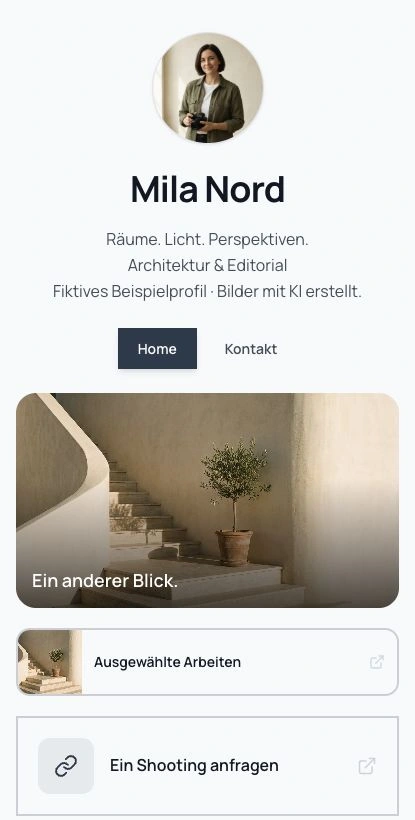
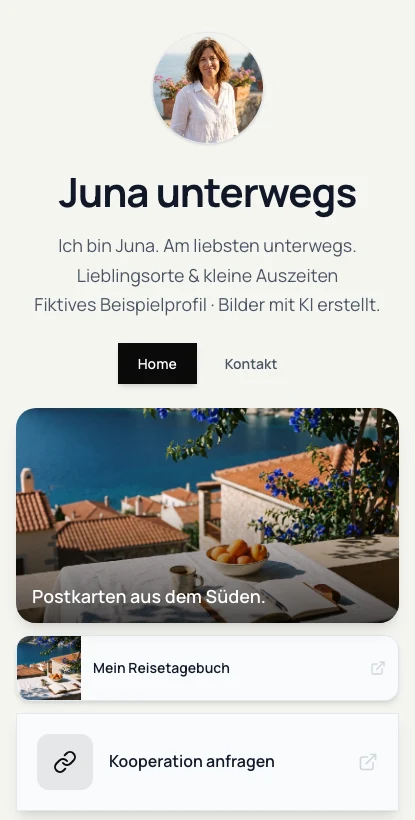
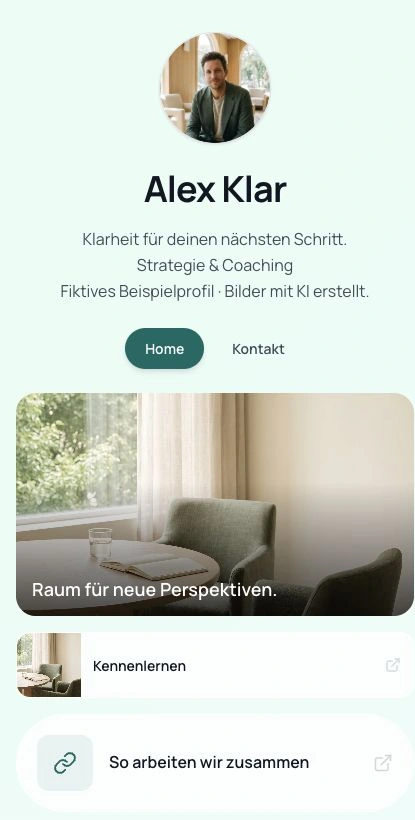
Show your portfolio, videos and links on your own page. Connect your presence to funnel enquiries and your booking page.
Set your availability, duration and exceptions. Account for busy times from your Google Calendar and keep track of your bookings.
Dictate tasks, notes or any text. In Klausi for Mac, copy your dictation and use it in your work.
Record conversations in Klausi for Mac with consent. Work with transcripts and optional AI summaries. Recording access and quota are required.
Connect your AI to Klausi via MCP. Choose which data it can access and which actions it can take.
And more. Explore your complete workflow below.
Your workday. Your money.
Tasks, projects, time and clients in one place. Start for free. Choose Pro when you need it.
One Klausi · All connected
0 €
forever
free
Try Pro for 7 days. Then switch to Free automatically.
No credit card. No automatic subscription.
CRM, e-invoices, finances and higher limits. Cancel monthly. VAT included.
approx. €267.88
per month · €3,214.56 per year
12 tools. 12 invoices. Plenty of switching.
Example based on the monthly amounts shown. Features and limits vary by tool and Klausi plan. Your actual needs may differ.
How it works
Capture by voice. See connections. Keep it all with the project.
01
Dictate tasks and notes. Ask AI to summarise your time or answer questions about your finances.
02
Clients, projects, tasks and notes stay connected. Brain shows their relationships in a clear network.
03
Collect text, images, videos and links in the block editor. Drag content into a note attached to the project.
With AI support or entirely at your own pace.
One project. Everything included.
From first contact to invoice: see how your work connects.
Example: a website for Studio Nord
PLANNING
Capture tasks, notes and ideas. Add them to a project and plan your next step.
YOUR INBOX · AI OPTIONAL
Speak, type or add a document. Klausi helps create tasks and gives you a view of projects and finances.
BILLING
See income, expenses, taxes and forecasts. Turn your work into an invoice, including e-invoices.
4.800 €
Income · September
DOING THE WORK
Start the timer, work, stop. Tracked time stays with your selected project.
01:24:00
Website · Studio Nord
PROJECT WORK
Notes, costs, receipts and whiteboards share one home: your project.
NEW BUSINESS & FUNNELS
Follow funnel enquiries from first contact to offer.
YOUR OVERVIEW
See hours, workload and forecasts in one place.
All figures are example data. Connections work without AI too.
03 / NEW BUSINESS & CLIENTS
04 / PROJECTS & TASKS
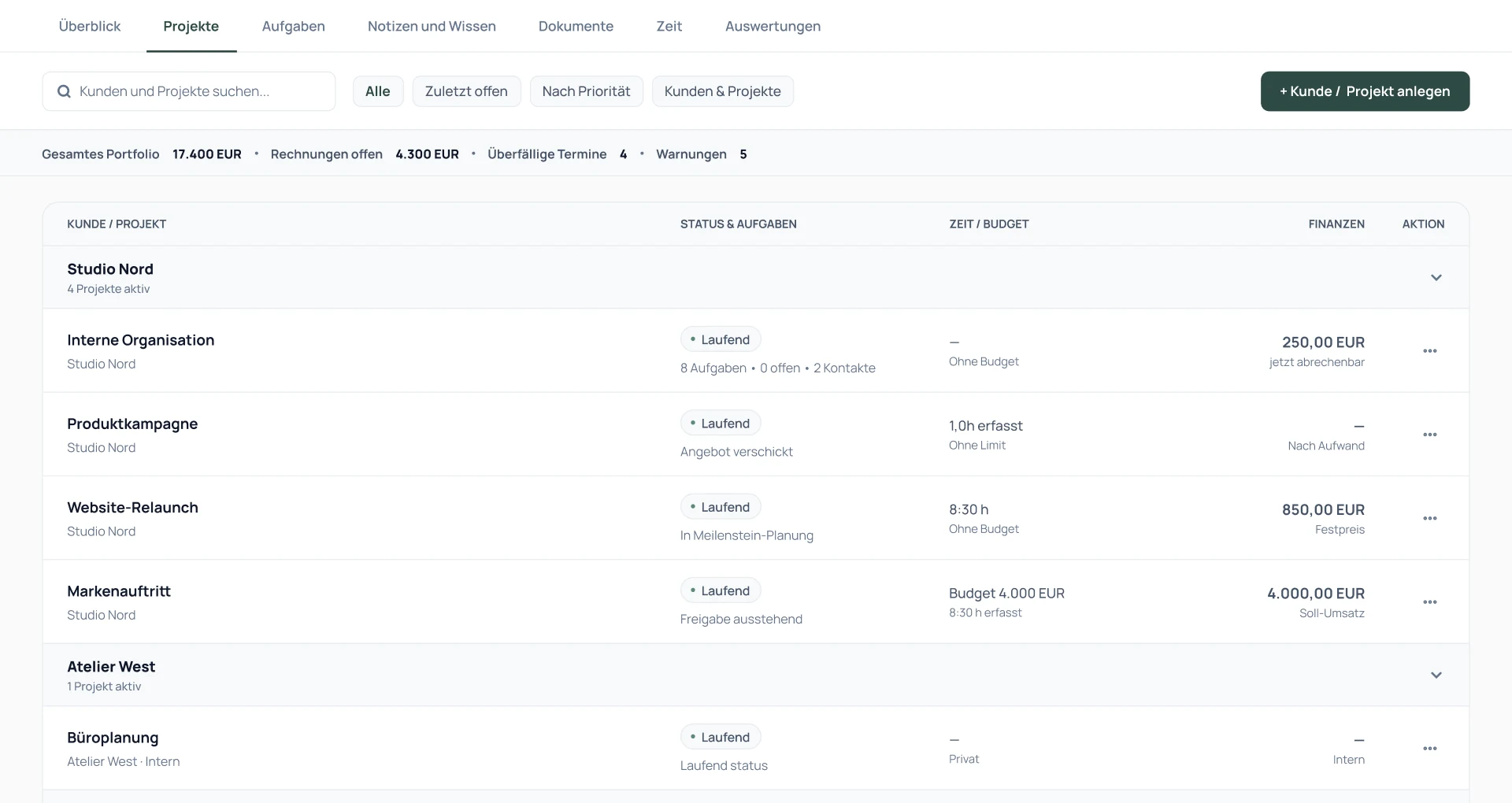
Product view with example data.
05 / TIME TRACKING & BUDGET
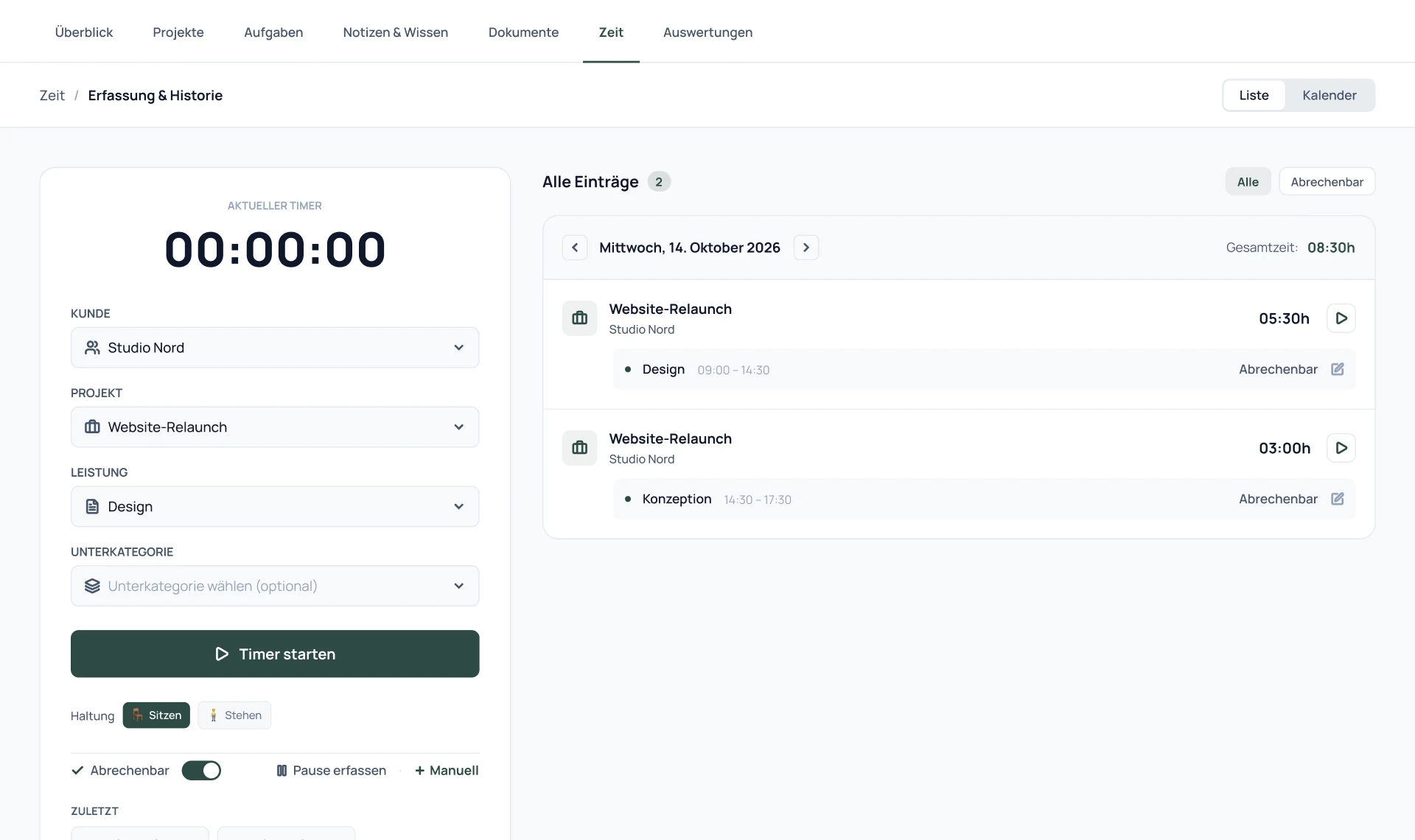
Product view with example data.
06 / FINANCES & E-INVOICES
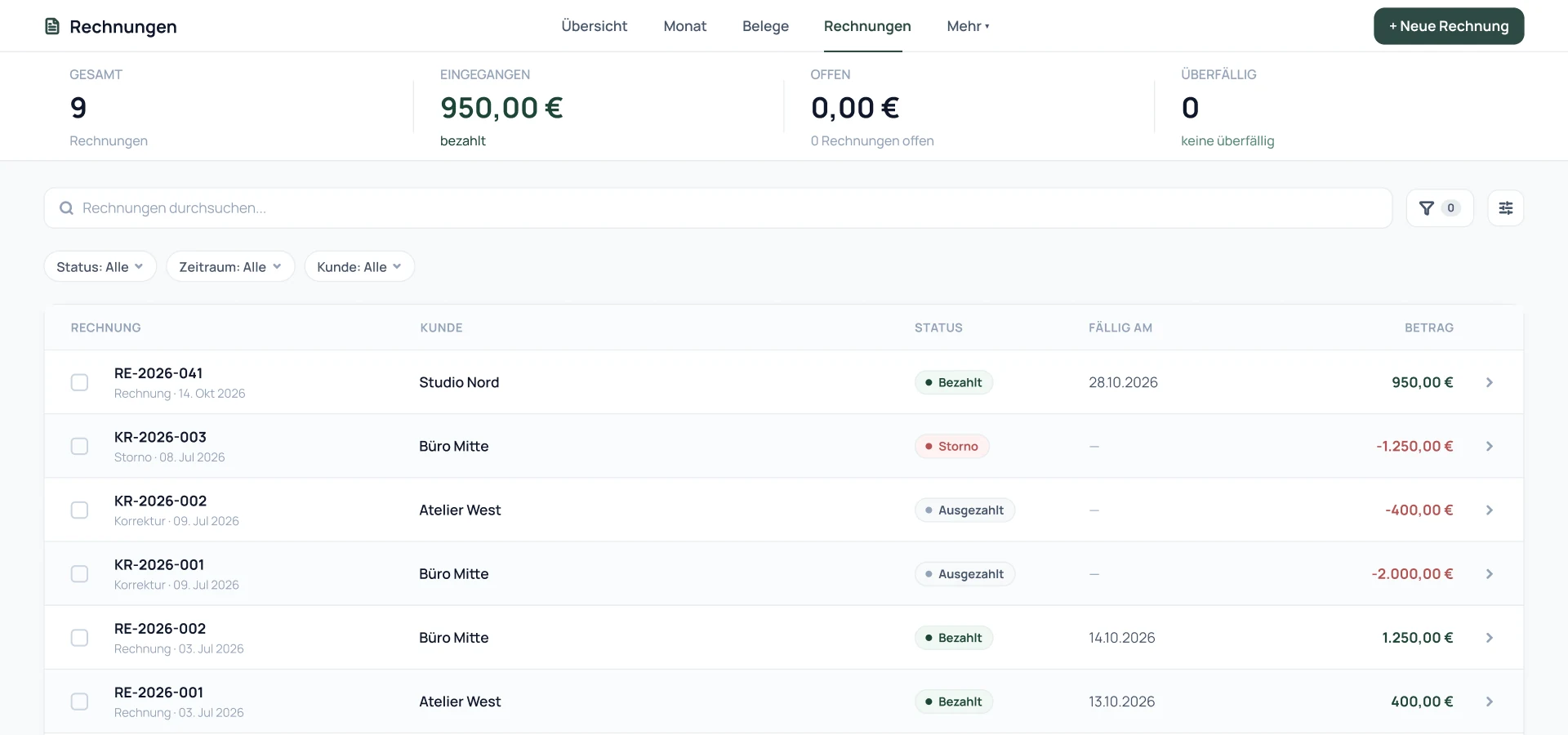
Product view with example data.
07 / VOICE & AI ASSISTANT
Illustrative dictation preview with example data.
Meeting recordings
In Klausi for Mac · Record with consent · Access approval and quota required
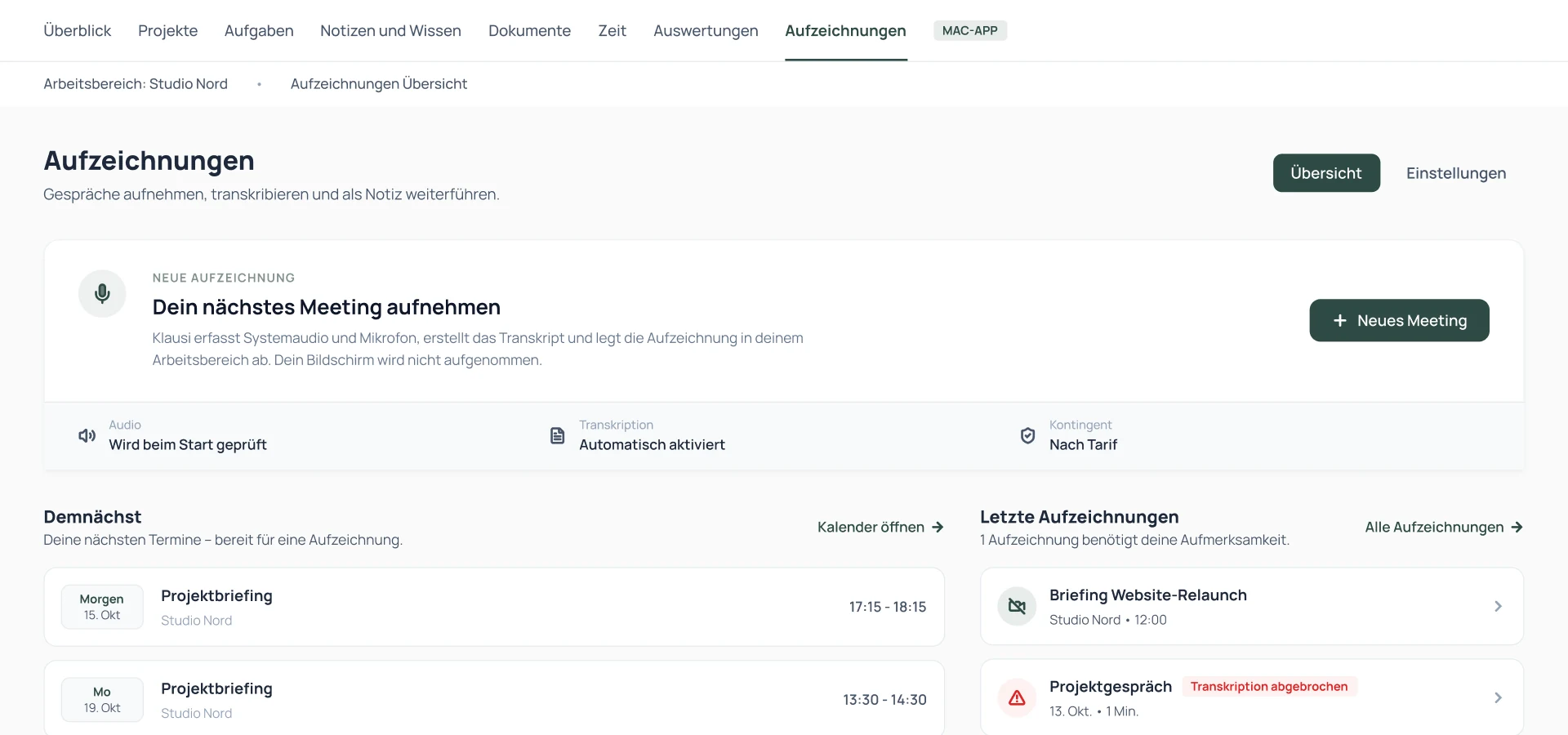
Product view with example data.
Artificial intelligence. Your choice.
Prefer to do it yourself? Klausi works either way.
Turn off every AI feature. Tasks, time, finances and CRM work without AI too.
Try both ways of working.
Klausi assistant
Today
Review the suggestions and choose what to use.
08 / DOCUMENTS & SHARING
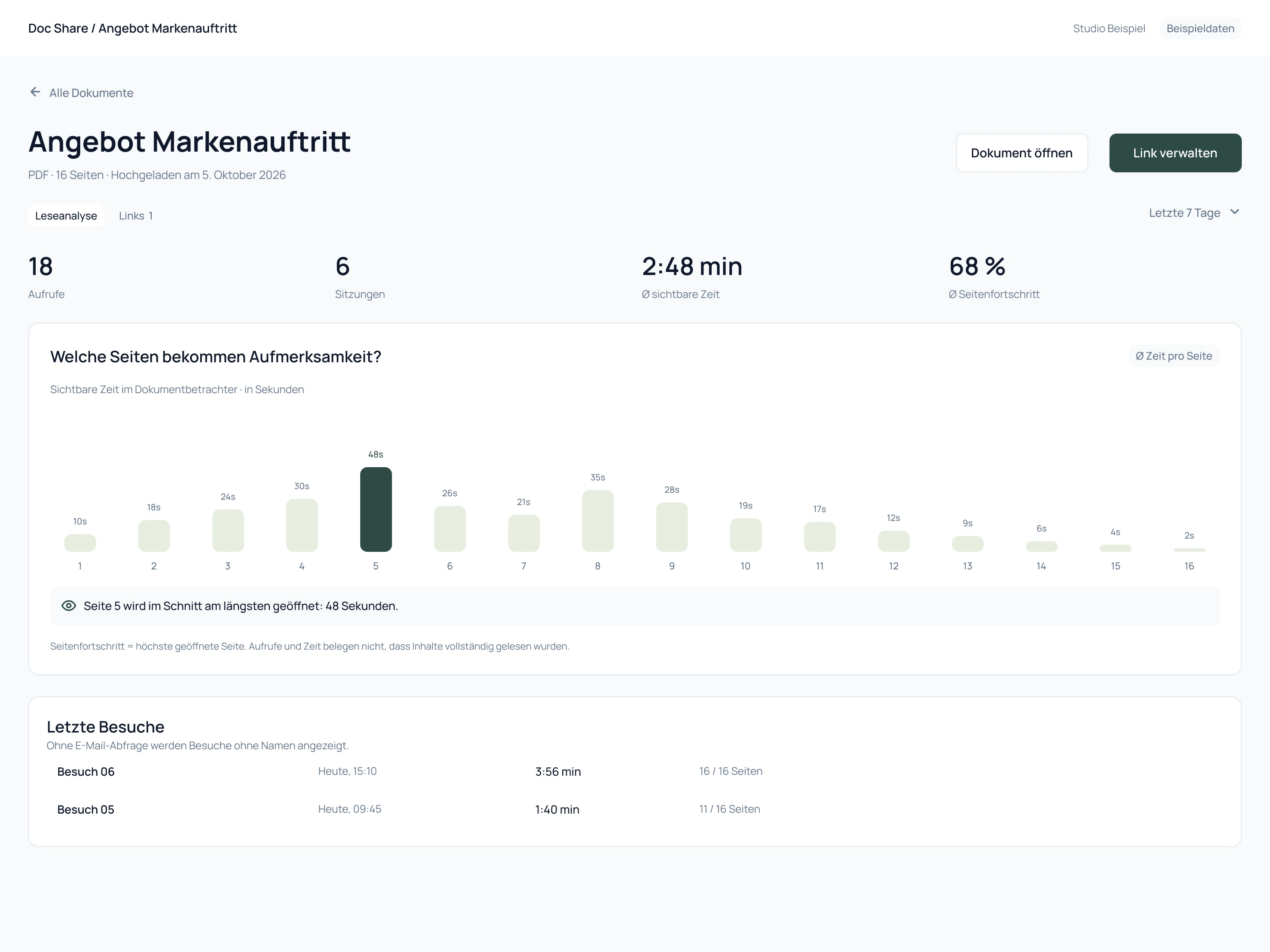
Design preview with example data.
09 / MAC & MCP
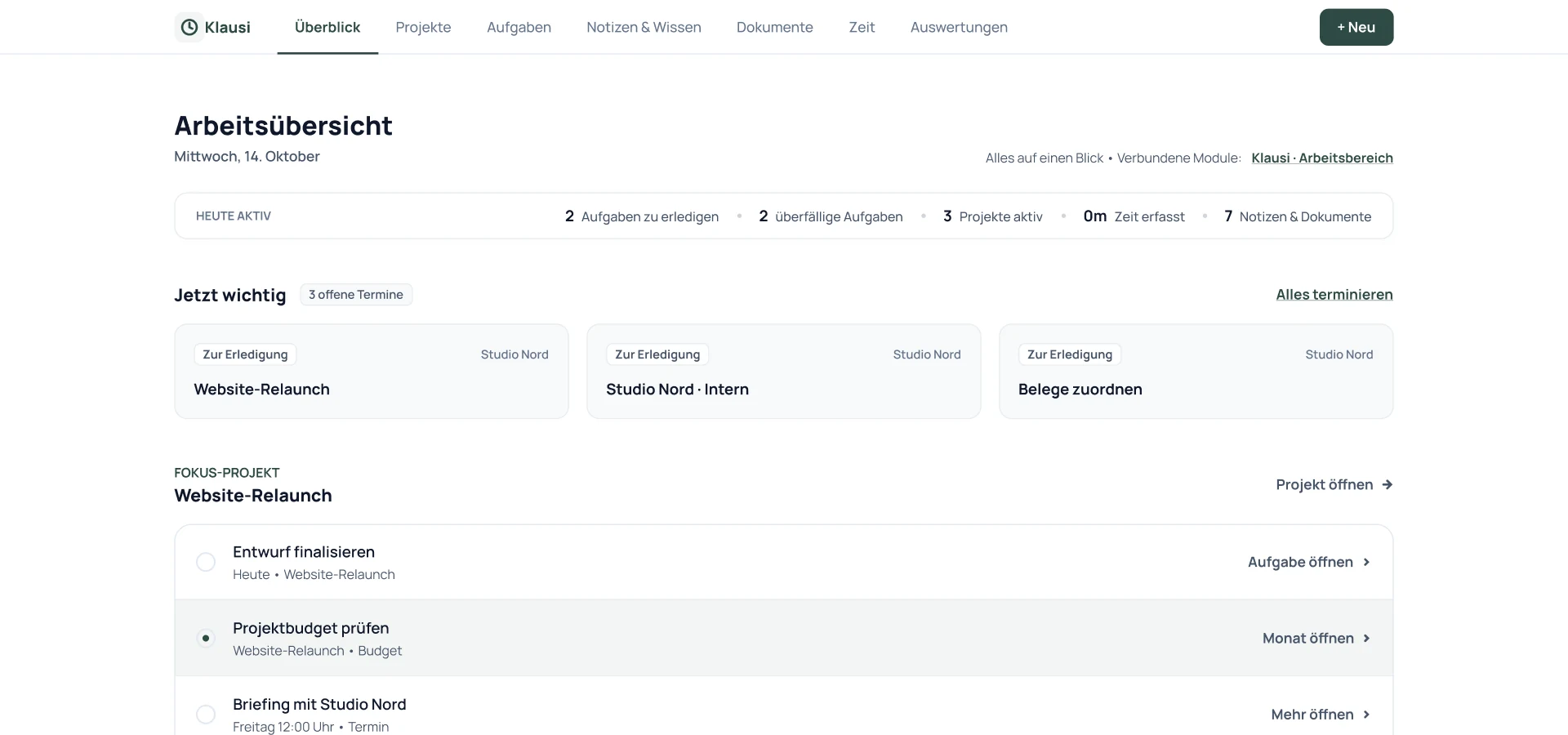
Product view with example data.
From first contact to e-invoice
Clients, projects, time and invoices in one place. Try Pro for 7 days, then continue with Free.
No credit card · No automatic subscription
Free und Pro vergleichen →